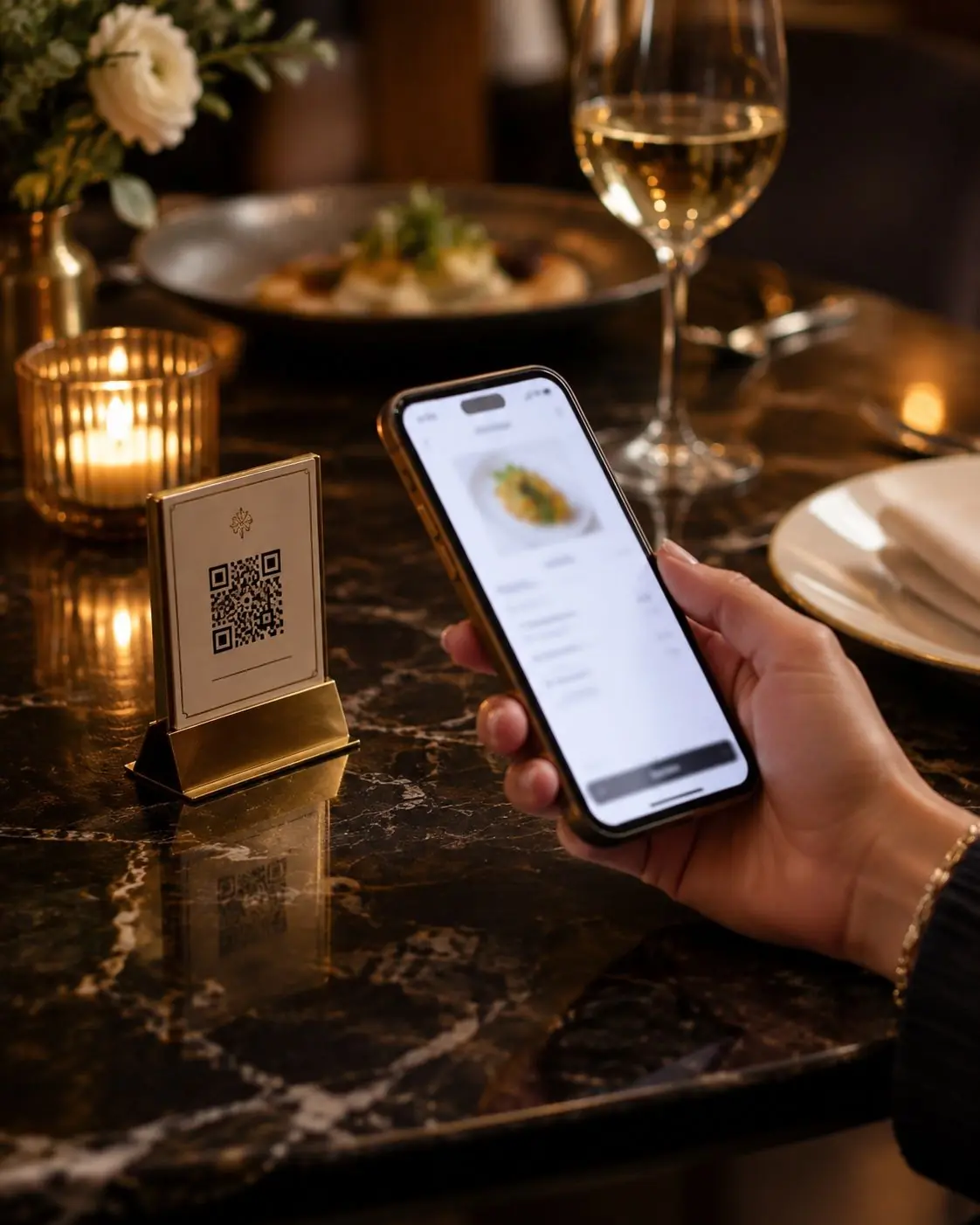
Digital Menu & QR: A menu as considered as the dining room.
Guests scan a discreet table code and enter your menu — your typography, your photography, your voice. Prices, availability and translations update from one place, in every branch, the moment you change them.
Guest Experience
Your menu, beautifully presented on every phone.
ELZORA turns the menu into the first chapter of the experience. Dishes are presented with photography, chef's notes and pairings, organised the way guests actually choose — and connected to ordering, recommendations and the kitchen behind them.
- Opens instantly in the browser — no app to download
- Designed for dim dining rooms and one-handed browsing
- Every table, room and counter mapped to its own code
Maison Saffron
Dinner menu
Table 12 · English
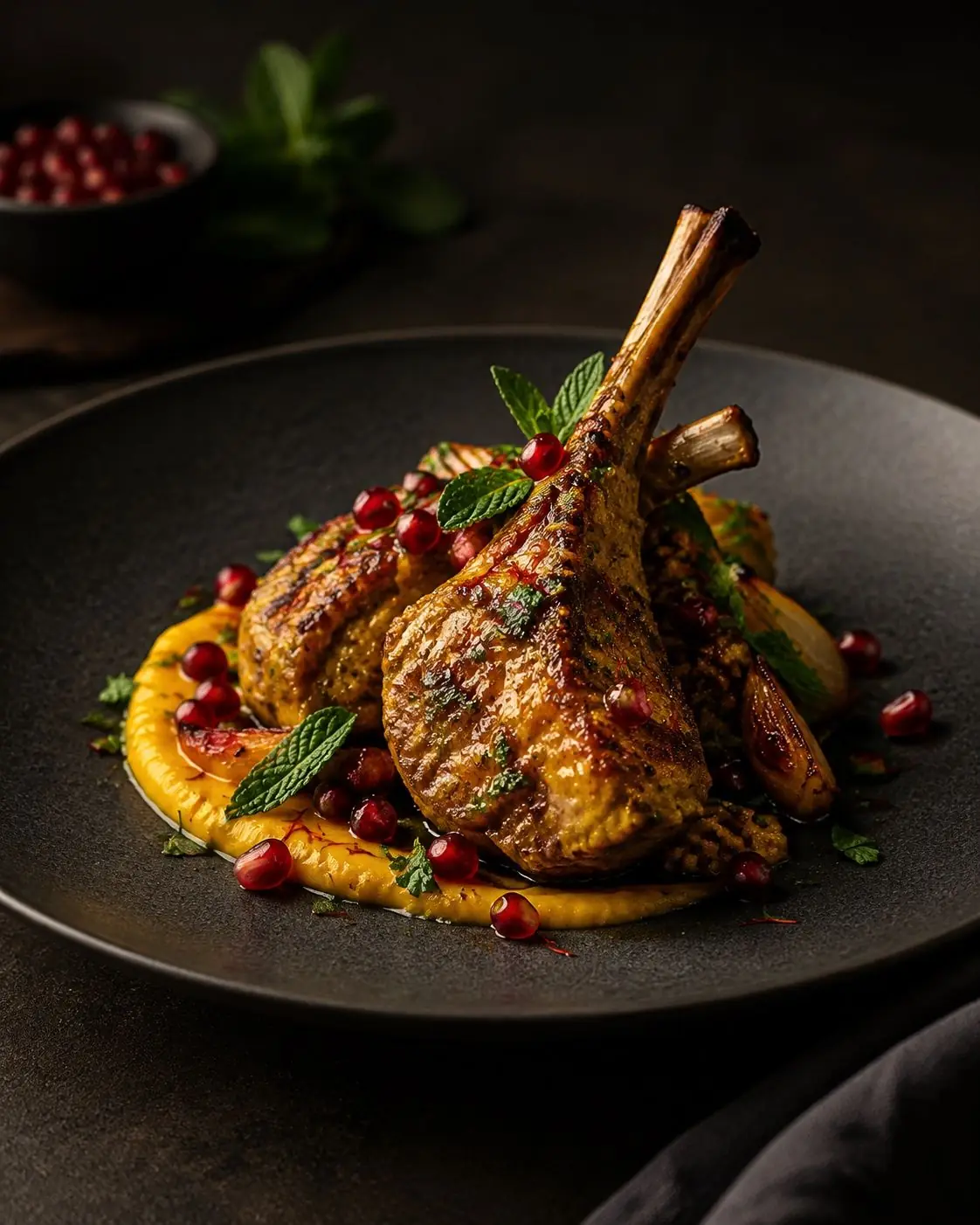
Saffron-glazed lamb cutlets
Slow-roasted, pumpkin purée, pomegranate, fresh mint.
Chef's signature
Charred aubergine & labneh
Smoked aubergine, garlic labneh
Herb-crusted sea bream
Lemon, sumac, grilled greens
Sample venue · demonstration data
Capabilities
Digital Menu & QR, in detail.
Table-aware QR codes
Each table, terrace, room or counter opens the right menu and links every order and request to its location.
Signature brand presentation
Your colours, typography and imagery throughout, so the menu feels like part of the room rather than a generic app.
Rich dish storytelling
Photography, descriptions, ingredients, dietary markers and chef's notes for every dish you choose to feature.
Multilingual menus
Present the full menu in English, Arabic and the languages your guests speak, with right-to-left layouts handled natively.
Live availability & dayparts
Mark dishes as sold out in seconds and switch breakfast, lunch, dinner and event menus automatically by time.
Branch-specific menus
Share core dishes across locations while each branch keeps its own specials, pricing and availability.
How it works
From printed menu to digital experience.
- 01
Structure
Categories and dishes organised around how guests order, not how the kitchen tickets them.
- 02
Style
Your brand applied to every screen, from the cover image to the smallest dietary marker.
- 03
Publish
Table codes generated for every location and presented in materials that suit your interior.
- 04
Refine
Menu engagement flows into ELZORA Analytics so you can see which dishes draw attention.
In service
When a guest wants to see before they choose.
The moment
A guest is curious about tonight's signature lamb. They open its photograph, read the chef's note on the saffron glaze and see the suggested pairing — then order with confidence.
The result
Guests decide faster and with more certainty, and your team spends less time repeating descriptions at every table.
What it delivers
- Faster, more confident ordering decisions
- A consistent brand experience in every branch
- Menu changes live everywhere in moments
- Fewer reprints and outdated menus
One connected suite
Works seamlessly with.
Guest Experience
AI Dining Concierge
A knowledgeable host in every guest's pocket.
Guest Experience
Smart Recommendations
Curated pairings and thoughtful upselling.
Guest Experience
Ordering & Pay at Table
Order, request and settle from the table.
Questions
Digital Menu & QR FAQ
Further reading
Related guides
Digital menu guides
Writing a digital menu that guests actually understand
How to structure categories, write dish descriptions and use photography so a mobile menu helps guests decide quickly and confidently.
QR menu implementation
Rolling out QR menus: a practical implementation guide
Step-by-step guidance on QR code placement, table mapping, staff briefing and testing for a smooth QR digital menu launch in your restaurant.
AI in hospitality
AI dining assistant vs digital menu: what's the difference?
A digital menu shows the menu; an AI dining assistant answers questions about it. How the two differ, where each helps and what to check before buying.
Next step
See your menu through your guests' eyes.
We will present a sample menu in the ELZORA demo and show how your categories, photography and translations would come to life.