Map your tables first
Table-specific QR codes let the system know where a guest is sitting — essential for service requests and ordering. Create a clear map of table numbers per branch before printing anything.
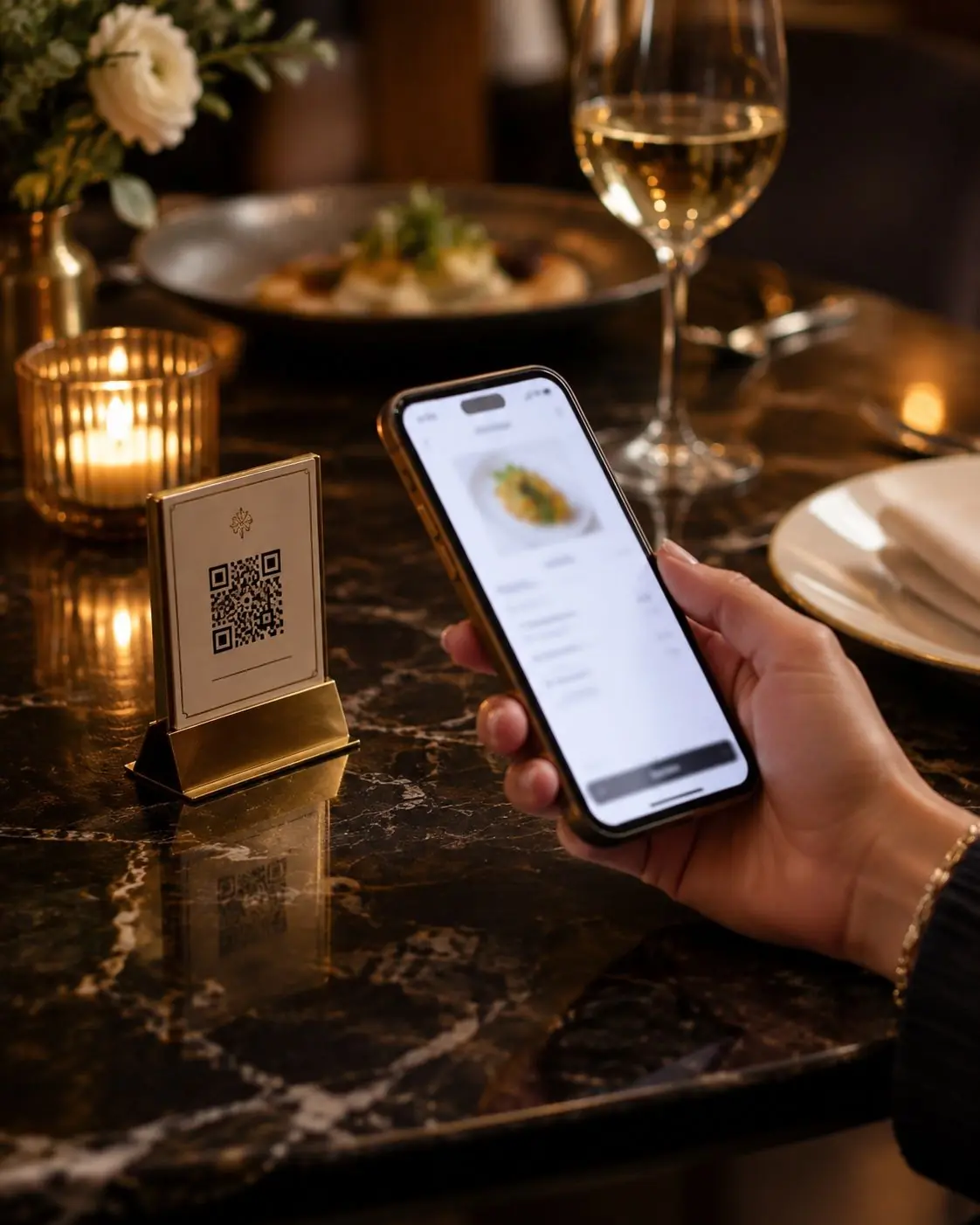
Place codes where guests look
A QR code nobody notices doesn't help anyone.
- At eye level when seated, not under cutlery
- In a material and style that suits your interior
- With a short line explaining what it opens
- Away from glare from pendant lights
Brief your team
Staff should be able to explain the QR menu in one sentence and help guests who prefer not to use it. Keep printed menus available for anyone who wants one.
Test on real phones
Scan every code with a range of phones, in real lighting, on your actual guest Wi-Fi and mobile networks. Check the menu loads quickly and every table resolves correctly.
Keep content current
Once guests rely on the digital menu, outdated content is noticed quickly. Assign someone to own menu updates, especially for availability and ingredients.